 comparison
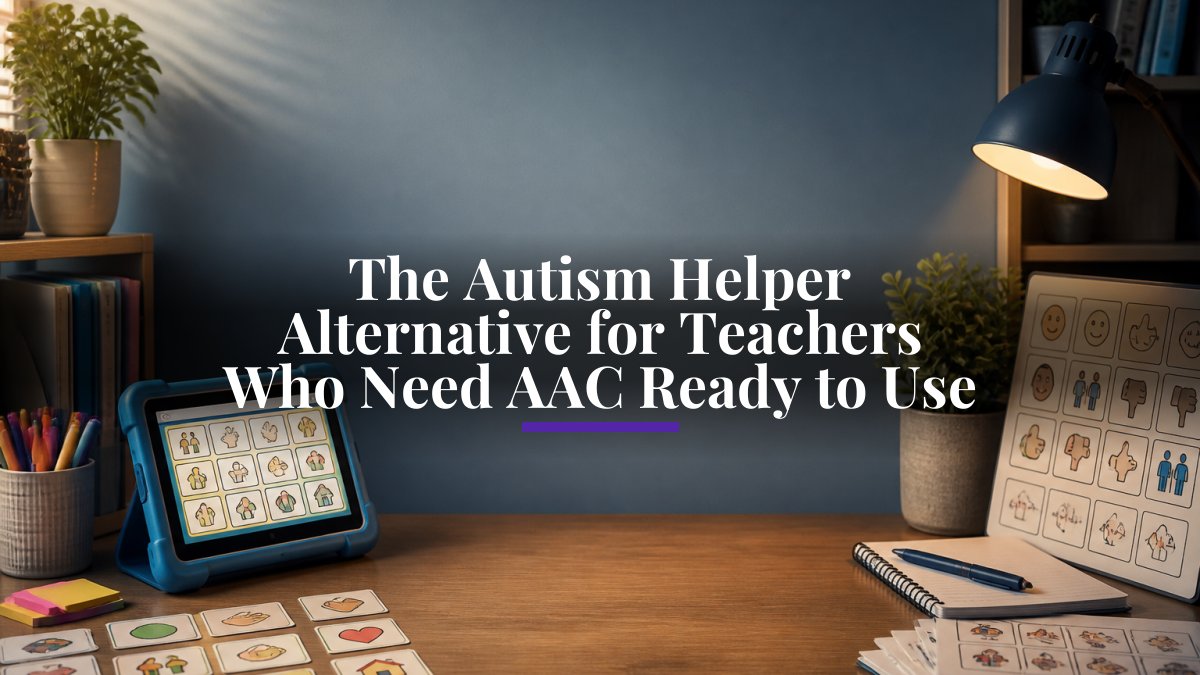
The Autism Helper Alternative for Teachers Who Need AAC Ready to Use
Last Updated: November 2, 2026
Quick Summary
The Autism Helper alternative for teachers is CueSprout, which provides ready-to-use AAC classroom printables, PowerPoints, and lesson plans built for elementary general and special education teachers and paraprofessionals. Downloads include adult modeling guides and planning forms that give teachers and paraprofessionals a shared starting point for weaving communication opportunities into daily routines, math, and literacy activities.
- CueSprout is designed for communication opportunities woven into lessons you already teach, not a full curriculum.
- Boardmaker lets you build custom visual supports, but every material starts as a blank canvas.
- Boom Cards offers self-checking digital practice, but it is not a hands-on communication partner.
- Choiceworks shines for visual schedules and first-then boards that help students predict what comes next.
- A simple weekly AAC plan lists two or three core words, one activity per subject block, and who models during each block.
Table of Contents
- Why Teachers Look for an Autism Helper Alternative
- AAC Resources for Teachers Compared at a Glance
- CueSprout: Ready-to-Use AAC Classroom Printables and Plans
- Boardmaker, Boom Cards and Choiceworks: What Each One Does Well
- AAC Classroom Activities You Can Run Tomorrow
- AAC Modeling Strategies for Adults in the Room
- AAC Planning Forms for Teachers and Paraprofessionals
- How to Choose the Right Fit for Your Classroom
- Frequently Asked Questions
Why Teachers Look for an Autism Helper Alternative
Teachers searching for The Autism Helper alternative for teachers usually aren't unhappy with what they already have. They're looking for something that fits the way their classroom actually runs.
That's the real gap. Many teachers already own a curriculum, a set of visuals, or a digital activity library. What they lack is a shared, ready-to-go starting point that a lead teacher and a paraprofessional can both pick up on Monday morning.
AAC stands for augmentative and alternative communication: the tools, boards, and supports that give students a way to communicate when speech isn't their primary channel.
The Autism Helper is a well-known name in special education. But "well-known" and "right for my room" aren't the same thing.
AAC Resources for Teachers Compared at a Glance
Here's the honest summary before the detail. Each option below does one thing well, and none of them does everything. The table is a starting point, not a verdict, the right pick depends on your grade level, your students' support needs, your class size, and how much prep time you actually have.
| Option | Best for | Main strength | Watch out for |
|---|---|---|---|
| CueSprout | Ready-to-use AAC printables and lesson plans | Print-and-go materials with adult modeling guides | Digital downloads, not a full curriculum |
| Boardmaker | Building custom visual supports | Wide symbol library for making your own materials | You build the materials yourself |
| Boom Cards | Digital skill practice | Self-checking digital activities | Screen-based, not hands-on communication |
| Choiceworks | Visual schedules and choice-making | Clear routines and first-then boards | Narrower focus than a full AAC program |
If your planning time is the bottleneck, that difference matters more than any feature list.
How to Compare These Options Like a Teacher, Not a Shopper
Most comparison pages list features. That's not how teachers actually choose.
Grade level and subject coverage. A tool built for elementary routines may not stretch to middle school functional literacy.
Support needs and communication range. Some students use a dedicated speech-generating device; others use a printed board or picture cards.
Class size and staffing. A resource that needs one adult per student won't survive a room with one teacher and two paraprofessionals supporting nine students. Look for materials designed for shared modeling and small-group use.
Preparation time. This is the quiet dealbreaker. A symbol builder can produce exactly the board you want, after an hour of design.
Implementation and workload. Beyond setup, compare what ongoing work each option creates: lesson prep, progress monitoring, and staff training.
Evidence and progress tracking. Ask how you'll know it's working. The strongest options let you track skill mastery, independence, and generalization, not just completion.
A Quick Way to Decide
If your answer to "how much prep time do I have?" is "almost none," lean toward a print-and-go library. If you love designing custom boards and have the hours, a symbol-based builder earns its keep. If your students need digital practice with instant feedback, a self-checking platform fits. If routines are your sticking point, a visual schedule tool is the answer.
One more thing worth checking: how each option handles your most complex communicators. No generic printable fits every student perfectly. The question is whether the material gives you a solid base to customize from, or leaves you starting from zero.
CueSprout: Ready-to-Use AAC Classroom Printables and Plans
CueSprout provides ready-to-use AAC classroom printables, PowerPoints, and lesson plans built for elementary general and special education teachers and paraprofessionals. Explore free AAC modeling tips, classroom routine examples, and a quick-start guide for teachers, paraprofessionals, SLPs, school teams, and families.
What You Get in a CueSprout Download
Downloads include adult modeling guides and planning forms, which give teachers and paraprofessionals a shared starting point for integrating communication opportunities into daily routines, math, and literacy activities.
Where CueSprout Fits and Where It Does Not
CueSprout is designed for communication opportunities woven into lessons you already teach. It is not a substitute for AAC training or for a student's individualized communication system.
Boardmaker, Boom Cards and Choiceworks: What Each One Does Well
Boardmaker is a digital tool for creating visual supports, and it's a favorite for teachers who like to build exactly what a student needs.
Boom Cards brings self-checking digital activities to a screen. Students get instant feedback, and you get data without hand-scoring. Where it falls short is the hands-on, back-and-forth communication that AAC modeling depends on.
Choiceworks shines for routines and choice-making. Visual schedules and first-then boards help students predict what's coming, which lowers frustration for everyone. It's narrower than a full AAC program, but for structure and choice, it's genuinely useful.
What most comparisons miss is that these tools aren't rivals. If you're weighing a broader set of options, our roundup of the best tools for teaching AAC in schools covers more ground.
AAC Classroom Activities You Can Run Tomorrow
The fastest way to see whether a resource fits is to run one activity with it. Try these three, all low-prep and easy to adapt. Each one also gives you something to watch for, so you can tell whether it's working.

- Choice during story time. Offer two book options on a choice board. Wait. Let the student point, eye-gaze, or use their device. Honor whichever they pick. Watch for: does the student make a choice independently, or only after a prompt? That difference is your progress data.
- Model during snack. Use the student's communication system to comment ("yum," "more," "all done") while you eat alongside them. No quizzing. Just modeling. Watch for: does the student begin to echo or initiate a comment without being asked? Note the moment it happens.
- Label the routine. Put picture cards at each transition: line up, wash hands, sit down. Point and say the word as you go. Watch for: does the student start to reference the card or the word before the transition? That's generalization showing up.
A common mistake is turning these into tests. "Show me 'more'" puts the student on the spot. Modeling means you use the words, and the student joins in when ready.
How to Tell If an Activity Is Actually Working
Most activity lists stop at "try this." The more useful question is how you'll know it helped. You don't need a formal assessment to track progress, a simple running note works. After each activity, jot three things: the skill you targeted, how much support the student needed, and whether they used the skill somewhere new.
That last point matters most. A student who uses "more" during snack but never at lunch hasn't generalized the skill yet. A student who starts using it in both places is showing real growth. Tracking independence and generalization, not just correct answers, tells you whether the activity is doing its job.
AAC Modeling Strategies for Adults in the Room
Modeling is the single highest-impact thing any adult can do, and it costs nothing. It means using the student's AAC system yourself, out loud, during real moments, without demanding a response.
For paraprofessionals, consistency is the hard part. If you want a deeper walkthrough of how to use AAC modeling strategies as a paraprofessional, this guide is tailored to your role. For five easy ways to model AAC during the school day, try these concrete classroom examples and a free printable sample.
Watch out: modeling only during "AAC time" defeats the purpose. Communication has to show up in math, lunch, and recess, or students learn that their system is a school task, not a way to connect.
AAC Planning Forms for Teachers and Paraprofessionals
Planning forms are the unglamorous tool that holds a classroom together. A shared form tells everyone which core words you're targeting, which activities you're using, and who is modeling what. Teachers can also grab AAC lesson plan templates for elementary students to structure AAC instruction and cut planning time. Without it, the teacher models one way and the paraprofessional models another, and the student gets mixed signals.
A simple weekly AAC plan can be short:
- Core words for the week (pick two or three)
- One activity per subject block where you'll model them
- Who is responsible for modeling during each block
- A quick note on what worked
How to Choose the Right Fit for Your Classroom
Start with the constraint, not the feature list. Ask three questions: How much planning time do I actually have? Does my paraprofessional need materials that work without me setting them up first? And do I need finished materials or a tool for building my own?
If your answer is "finished materials, fast," lean toward a print-and-go library. If you love designing custom boards, a symbol-based builder earns its keep. If your students need digital practice with instant feedback, a self-checking platform fits.
One more thing worth checking: how the resource handles your most complex communicators. No generic printable fits every student perfectly. The question is whether the material gives you a solid base to customize from, or leaves you starting from zero.
Frequently Asked Questions
What are alternatives to The Autism Helper for teachers?
Teachers usually compare a few kinds of tools. CueSprout focuses on ready-to-use AAC classroom printables, PowerPoints and lesson plans, plus adult modeling guides and planning forms. Each option solves a different problem, so pick the one that matches what you spend the most time building by hand.
What AAC resources can teachers use in the classroom?
Start with a core set: printable communication boards that match your students' systems, picture cards for requesting and commenting, a modeling guide so every adult uses the same prompts, and a one-page planning form that ties communication targets to the lesson. CueSprout bundles these as digital downloads for elementary classrooms.
How can teachers model AAC during everyday classroom activities?
Modeling means the adult uses the AAC system while talking, without demanding a response. During a math warm-up, point to 'more' and 'help' on the board as you say them. At snack or lunch, model 'want' and 'finished.' Aim for a few short, consistent moments each day rather than one long session. CueSprout's adult modeling guides give teachers and paraprofessionals a shared starting point.
What should teachers look for in AAC teaching materials?
Look for four things: materials that match your students' existing communication systems, guidance for adults so modeling stays consistent, planning forms that connect to lessons you already teach, and a format you can print or open without extra software. Ask whether the materials are built for elementary classrooms and whether a paraprofessional can run them without the lead teacher setting everything up first. Request a sample and test it with one small group before committing.
How can general education and special education teachers plan AAC instruction together?
Use one shared planning form. The special education teacher lists the communication targets and the student's system, and the general education teacher notes where those targets fit in the week's literacy or math block. Keep it to one page and review it briefly each week. When both teachers and paraprofessionals work from the same form and the same modeling guide, students hear consistent language across settings, which supports skill practice and generalization.
The real challenge isn't finding more AAC resources. It's finding materials that fit your room without eating your planning time. That's the problem CueSprout was built to solve, with ready-to-use AAC classroom printables and lesson plans, adult modeling guides, and planning forms that give teachers and paraprofessionals a shared starting point. Get a free sample from CueSprout and see how it fits your classroom before you commit to anything.